
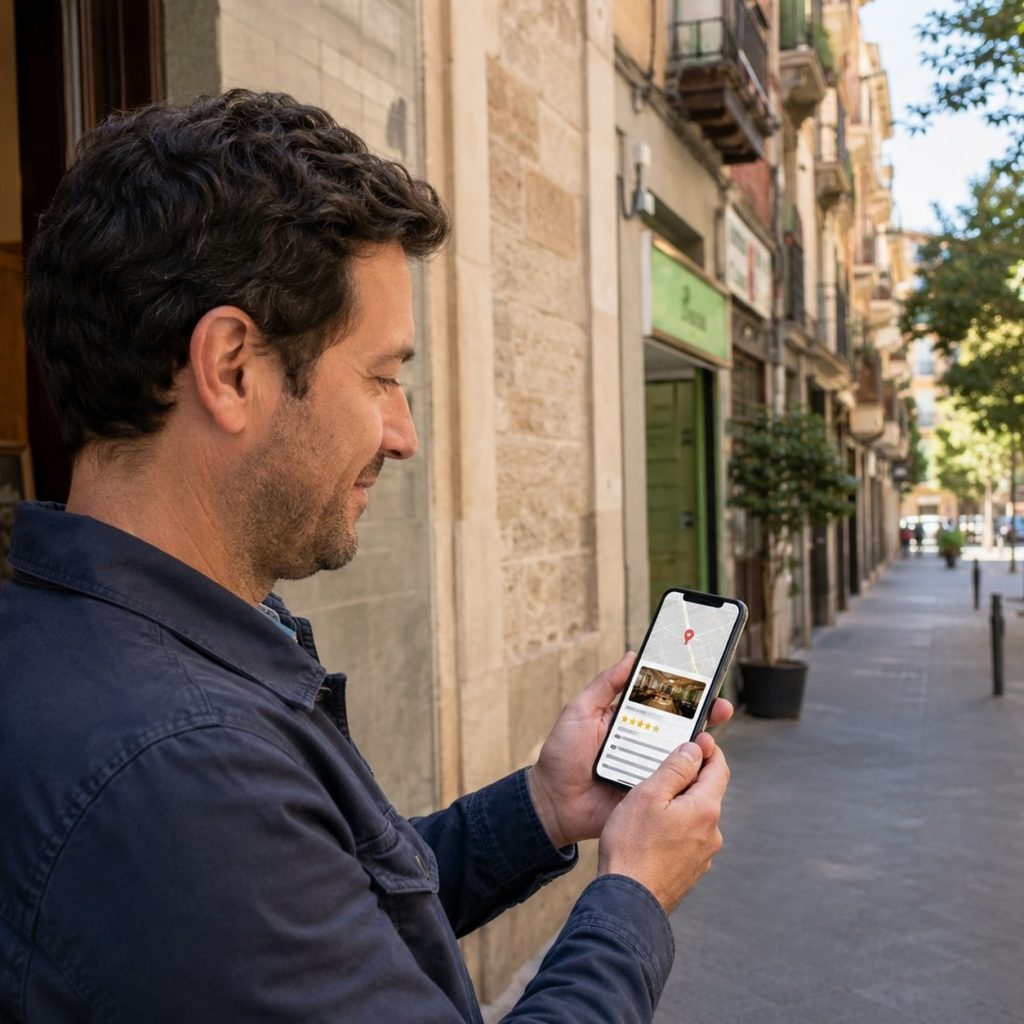
When someone’s deciding whether to call you or your competitor, reviews are often what tips the scale. Before we get into how to ask for them, let’s look at why they matter so much.
Why Reviews Matter So Much for Your Visibility
When someone searches for a business like yours on Google Maps, they almost never choose based on distance or price alone. They compare profiles, and that’s where two things come into play: your average rating and, more importantly, how many reviews you have and how often new ones come in.
A business with recent, steady reviews sends a clear signal: it’s active, it’s still serving customers, it’s still relevant today. That signal doesn’t just reassure the person looking at your profile, it also helps Google rank you higher against similar businesses in your area. Reviews do double duty: they’re a ranking factor, and at the same time, they’re the trust signal that seals the deal when someone’s comparing you to another business.
How to Ask for Them the Right Way
Here’s what really separates a business that keeps getting reviews from one that’s been stuck at the same 15 for a year:
- Ask at the right moment, not later
The most common mistake is asking for a review days later, once the customer’s already forgotten what they liked. Ask right after the positive experience: as you say goodbye, when you hand over the product, right after the service is done. That’s the moment when a customer is most likely to say yes.
- Make the “how” as easy as possible
Plenty of customers are happy to leave a review, but they give up along the way: they open Google, search for your business, can’t find it right away, and put it off for “later.” A direct link to your profile (you can generate one from your own Google profile), sent by text right after the service, skips all of that. The fewer clicks it takes, the more real reviews you’ll get.
- Don’t offer anything in return
No discounts, no freebies, no sweepstakes entries. This isn’t just good practice, Google specifically prohibits it in its review policy, so offering any kind of incentive for a review can get it removed or get your profile restricted. Asking sincerely, with nothing attached, also builds more trust with the customer.
- A message you can copy and adapt
“Hi John! Thanks so much for choosing us. If you enjoyed the service, it would mean a lot if you left us a review on Google. It helps more people in the area find us: https://your.link. Thank you so much!”
- Automate it without losing the personal touch
The biggest enemy of a good review strategy isn’t a lack of happy customers, it’s the team forgetting to ask day to day. Set up an automatic reminder (text or email) that goes out right after the service, so the process doesn’t rely on someone remembering every time.
If You Want to Dig Deeper into Google's Rules
If you want the full breakdown of what you can and can’t do when asking for and managing reviews, according to Google’s updated 2026 guidelines, you can check it out directly in their prohibited and restricted content policy for Business Profiles.
Reviews Are One Piece of the Puzzle, Not the Whole Solution
Getting a steady stream of reviews is one of the most effective ways to boost your visibility on Google Maps, but it works best paired with a well-optimized profile and a website tailored to your area, so those reviews actually turn into more calls and more customers.
Want to know where your local visibility stands today? Request a free diagnostic and we’ll show you with real data from your business.