
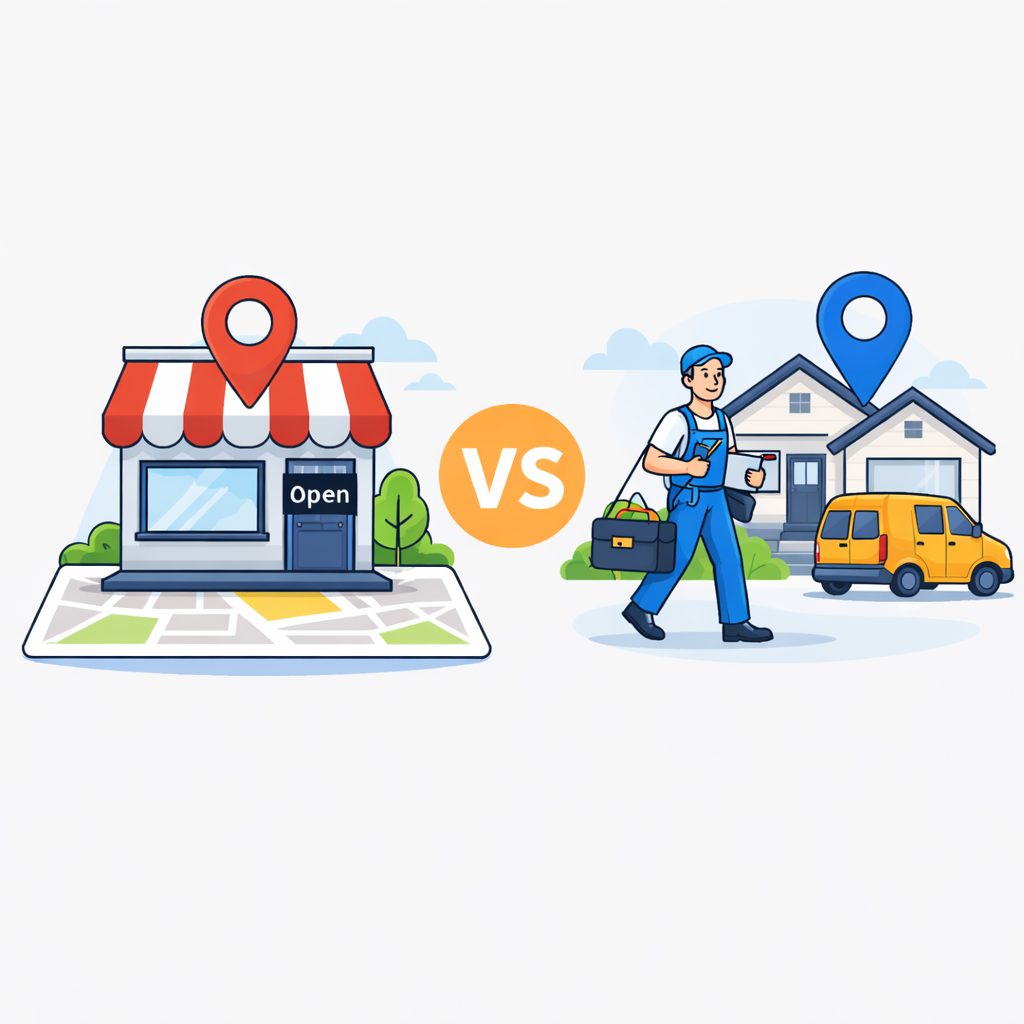
When a business wants to appear on Google, one of the first important decisions is defining how it serves its customers. Not every business works in the same way, and that difference also affects how it should be set up online.
At Smart Marketing, we see this issue all the time. The strategy for a business where customers visit a physical location is not the same as the strategy for a business that travels to the customer. Google needs to understand how your business operates in order to show it to the right people.
If this setup is not accurate, two things can happen: you may receive enquiries from areas you do not actually serve, or you may lose visibility in neighbourhoods where you do offer your services. In Google Business Profile, this configuration determines whether your business is shown through a physical address or through service areas. Choosing the right option matters more than many businesses realise.
Businesses with a Physical Location: Why Your Address Matters
If customers travel to your premises, as they would with a dental clinic, a gym or a retail shop, your business location is one of the most important factors for your visibility on Google Maps.
In this case, it is essential that your address is set up correctly and stays consistent everywhere your business appears online. When your address and phone number match across your website, directories and other platforms, it helps build trust with both users and Google.
It is also worth completing practical details that make visiting easier for customers, such as parking availability, wheelchair access or anything else that helps people understand what to expect before they arrive. Small details like these can make a real difference when someone is deciding whether to visit your business.
Businesses That Travel to the Customer: Service Areas
Other businesses work the opposite way around. Instead of customers coming to you, you travel to them. This is common for locksmiths, cleaning companies, repair services, maintenance professionals or in-home consultants.
In this model, visibility depends less on a fixed point on the map and more on the areas where you actually provide your service. Google Business Profile allows you to set service areas so you can indicate the cities, neighbourhoods or postcodes where you work. This helps Google show your business when someone searches for your service in those locations.
If you provide services at the customer’s location, you can also hide your physical address and show only the areas you serve. This allows you to protect your privacy without losing visibility where you want to work. In many cases, defining specific neighbourhoods or postcodes is more effective than trying to cover an entire city. The clearer your service area is, the more relevant your profile can be for local searches.
The Hybrid Model: When You Do Both
Some businesses combine both models. They welcome customers at their premises, but they also provide services outside their location.
This could be a workshop that also offers roadside assistance, a restaurant with its own delivery service, or a business that sees clients in the office but also carries out home visits. In these cases, it is important to configure both options correctly in your profile so Google understands that your business can serve customers both on-site and off-site. A clear setup helps your profile appear in more relevant searches without creating confusion about how your service works.
Check Whether Your Business Is Set Up Correctly
Many businesses have their Google profile configured incorrectly without realising it. A quick review usually starts with these three questions:
- Does your profile clearly show whether customers visit your location or whether you travel to them?
- Are the areas where you provide service clearly defined?
- Is your address only visible when you genuinely receive customers there?
If any of these points are unclear, there is a good chance your profile is not showing Google how your business actually works.
Frequently Asked Questions About Physical Locations and Service Areas
What is the difference between a physical-location business and a service-area business on Google?
A physical-location business receives customers at its premises, so its address is visible on Google Maps. A service-area business travels to the customer and can hide its address while showing only the areas where it operates.
Can I hide my address on Google if I provide services at the customer’s location?
Yes. Google Business Profile allows you to hide your physical address when your business provides services at the customer’s location. In that case, your profile shows only the service areas you cover.
Is it better to define an entire city or specific neighbourhoods as a service area?
In many cases, it is more effective to define specific neighbourhoods or postcodes. This helps Google better understand where you actually work and can improve the relevance of your profile in local searches.
Want Us to Review Your Profile?
At Smart Marketing, we believe visibility on Google starts with something simple: making sure your profile reflects how your business really works.
If you are not sure whether your Google Business Profile or your website is configured correctly, we can review it with you. Sometimes a small adjustment can make a big difference in the quality of the leads you receive.